
Article· Updated June 2026
How I run Claude as an agent across five projects
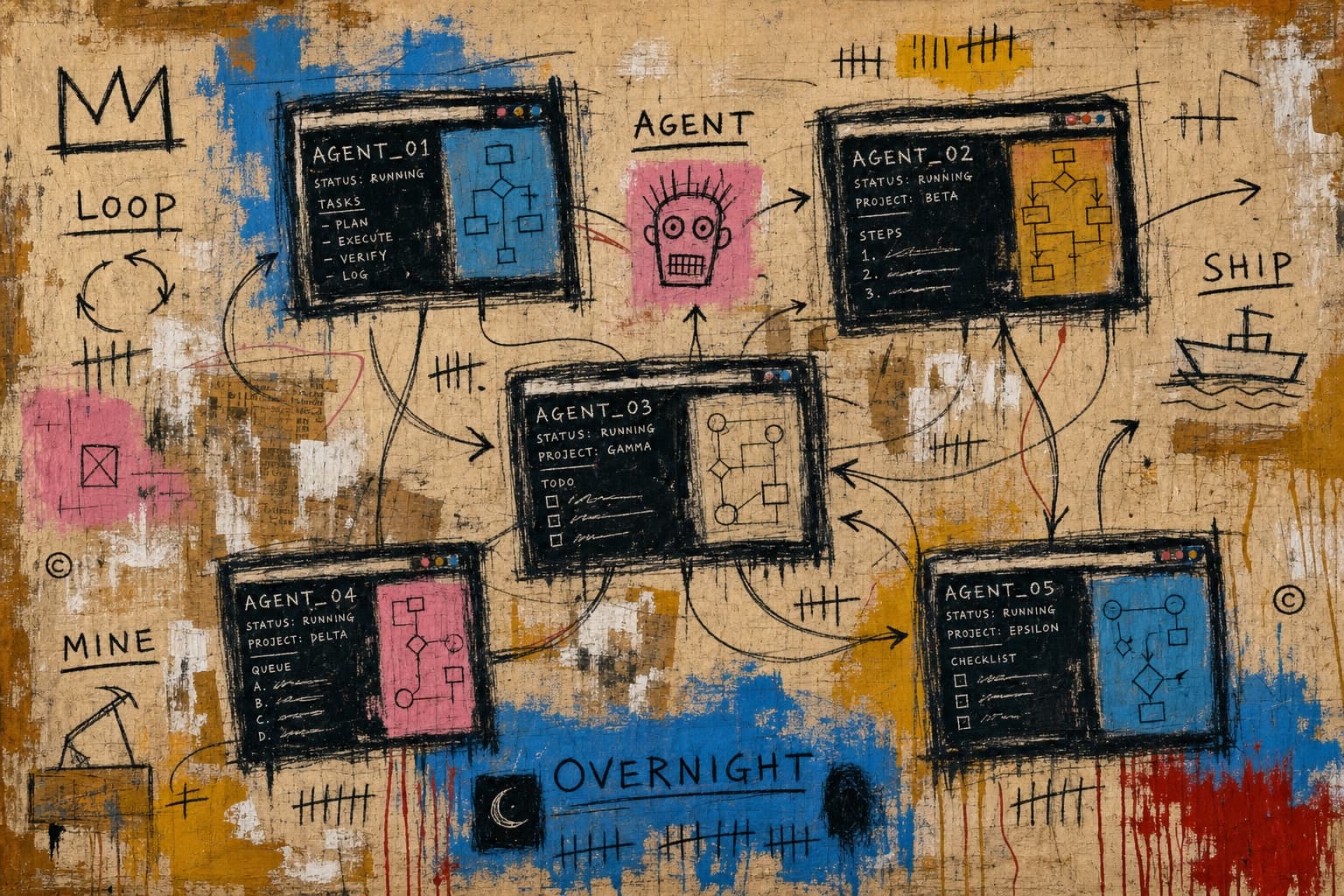
A year ago I coded one thing at a time. I'd open a terminal, work on a feature, finish it, move to the next thing. The throughput ceiling was however fast I could type and think.
Now I wake up to PRs my agents wrote overnight, a morning digest of analytics across all five of my products, and a daily SEO sweep that already patched two articles before I opened my laptop. The volume changed — not because I got faster, but because the agents run while I don't.
What my agents actually do
These aren't hypothetical. Each one runs on a real project today:
glp3-daily mines Reddit and YouTube for unanswered questions about retatrutide, researches them against medical papers via Firecrawl, patches articles with grounded FAQ additions, runs the production build as a gate, and pushes straight to main. It fires at 7:07am daily and has been running for weeks. The site is glp3.wiki.
johnkueh-daily does the same thing for this site. It mines Reddit, YouTube channels (Sequoia, YC, Lenny's Podcast), WhatsApp group chats, Slack DMs, and X for questions about Claude Code and AI engineering. It clusters the questions, maps them to existing articles, researches grounding sources, patches the MDX, and runs the build gate before pushing.
daily-digest pulls signups, top user activity, API and LLM costs, and git activity across subs.rip, journeys.im, and glp3.wiki. It surfaces the numbers I'd otherwise forget to check.
That's a daily SEO writer for two sites and a cross-project analytics dashboard. A year ago, that list would've been an ops hire. Now it's three skills and a few scheduled loops.
Loops — the pattern that makes this work
/loop is the simplest thing in Claude Code and the one that changed my output the most. It runs a prompt on a recurring interval — every few minutes, every hour, or self-paced. The SEO mines, the morning digest, a PR babysitter that rebases and fixes CI — they're all loops.
Boris Cherny, who created Claude Code, talked about this at Sequoia's AI Ascent: he runs dozens of loops at any time. One babysits PRs. One keeps CI healthy. One clusters Twitter feedback every 30 minutes. He described loops as "the future" — the simplest thing that works.
The one constraint: loops only run while Claude Code is open on your machine. If you close your laptop, the loop stops. Routines are the server-side version — same idea, but they keep going even when you're offline.
Running many agents at once
I usually have two or three sessions going in split terminal panes. One on the main task, one or two on background work. That's enough to feel like I'm shipping in parallel without losing track.
Boris is at a different scale. He typically runs five to ten sessions with a few hundred agents across them, and spins up a few thousand overnight for deeper work. He hit 150 PRs in a single day as an experiment. I'm nowhere near that, but the point is: the ceiling is much higher than one terminal tab. The bottleneck is your ability to direct the agents, not the system's ability to run them.
claude agents is the built-in tool for keeping track. It's a TUI that shows which sessions need your input, which are still working, and which are done. Think tmux, but purpose-built for agent sessions. Once you're running more than two at a time, it's the cleanest way to stay oriented.
What doesn't work yet
Agents aren't magic. Here's where I still do the work myself:
Taste. Design decisions, copy voice, product judgment — anything where the right answer is subjective. I have skills that encode my house style and design rules, and they help, but the agent still needs me to look at the output and say yes or no.
Big codebases. Context windows fill up. If the task touches too many files across too many directories, the agent loses the thread. I scope the work tightly — small PRs, clear boundaries, one thing at a time.
Interactive auth. Anything that needs a browser login, an OAuth flow, or a 2FA prompt is still manual. MCP servers handle a lot of API access, but the interactive stuff is a gap.
Wrong turns. Agents occasionally go down a bad path and waste twenty minutes before I notice. That's the cost of autonomy. The fix is better skills — tighter constraints, clearer success criteria, explicit "stop and ask if" rules.
What this means for shipping speed
I maintain several live products — subs.rip, journeys.im, bq-analytics, and glp3.wiki. I write articles, run SEO loops, and do client work. A year ago that workload would've needed a team of three or four.
The agents don't replace thinking or judgment. They handle the volume — the mining, the patching, the CI fixing, the overnight refactors. The work I do is directing: writing skills, scoping tasks, reviewing output, deciding what to ship next.
If you're evaluating whether one person can ship at this pace, this is how.
Frequently asked
How much does running many agents cost?
Token usage scales with sessions. The /usage command shows the breakdown. I run everything on a single claude.ai subscription — the SEO loops, the digest, none of them are expensive individually. The overnight batch runs are heavier, but still manageable. The economics of this only work because each agent is doing focused, scoped work — not open-ended exploration.
Can agents talk to each other?
Yes, through MCP. At Anthropic, Boris described their agents communicating over Slack with other people's agents to resolve unknowns. I use a lighter version: agents read shared files, Notion state, and git history. The daily SEO agent reads a journal file that tracks what it edited last time, so it doesn't re-edit the same article within a week.
Is this just for coding, or any kind of work?
Most of my loops aren't writing code. They're mining data, checking metrics, and patching content. The pattern works for anything you can describe clearly and verify programmatically. If the success criteria is "build passes" or "report delivered," an agent can do it.
Can an agent spawn its own subagents?
Yes, as of June 2026 — Claude Code's changelog calls it out as "sub-agents can now spawn their own sub-agents (up to 5 levels deep)." Boris Cherny described the intent as agents kicking off agents to better manage context: the parent delegates a chunk of work to a child with a fresh context window, and only the conclusion comes back. For the loops I run, that's the difference between an agent that drowns in its own research and one that farms the noisy reading out and keeps its own thread clean. My SEO mines already use one level of this — a subagent does the grep-and-trawl, the main agent keeps only the findings.
How do you keep a long-running agent on track?
Self-verification. Boris Cherny's framing is that self-verification loops are "a key ingredient that enables the model to run for much longer" — the agent needs a way to check its own work without you in the loop. Every long-running agent I operate has one: the SEO loops use the production build as a hard gate (build fails, nothing ships), the PR babysitter uses CI. His other advice for hours-or-days runs: use auto mode for permissions so the agent isn't stuck waiting for approval, and use dynamic workflows so Claude orchestrates the work itself. If you can't express "done" as something the agent can verify — a passing test, a green build, a created ticket — the task isn't ready to run unattended.
What about jobs too big for one session, like a large migration?
That's the limitation I flagged above — on big codebases the context window fills up and the agent loses the thread. Anthropic's answer is dynamic workflows, a research preview in Claude Code where Claude plans the job and then spins up hundreds of parallel subagents in a single session, using your existing test suite as the bar for done. It's aimed squarely at codebase-scale migrations — the kind that span hundreds of thousands of lines from kickoff to merge. The advice from Boris Cherny is to run it in auto mode so it doesn't keep stopping for permissions, and to save it for your heaviest jobs — migrations, large refactors, performance work — because it burns a lot of tokens. It's on the Team, Max, and Enterprise plans for now. I haven't pointed it at a real migration yet, but it's the productized version of the many-agents pattern I already lean on every day.