
Here are three versions of the same landing-page hero on glp3.wiki. Each came from a different AI model, and each is a step closer to feeling real.

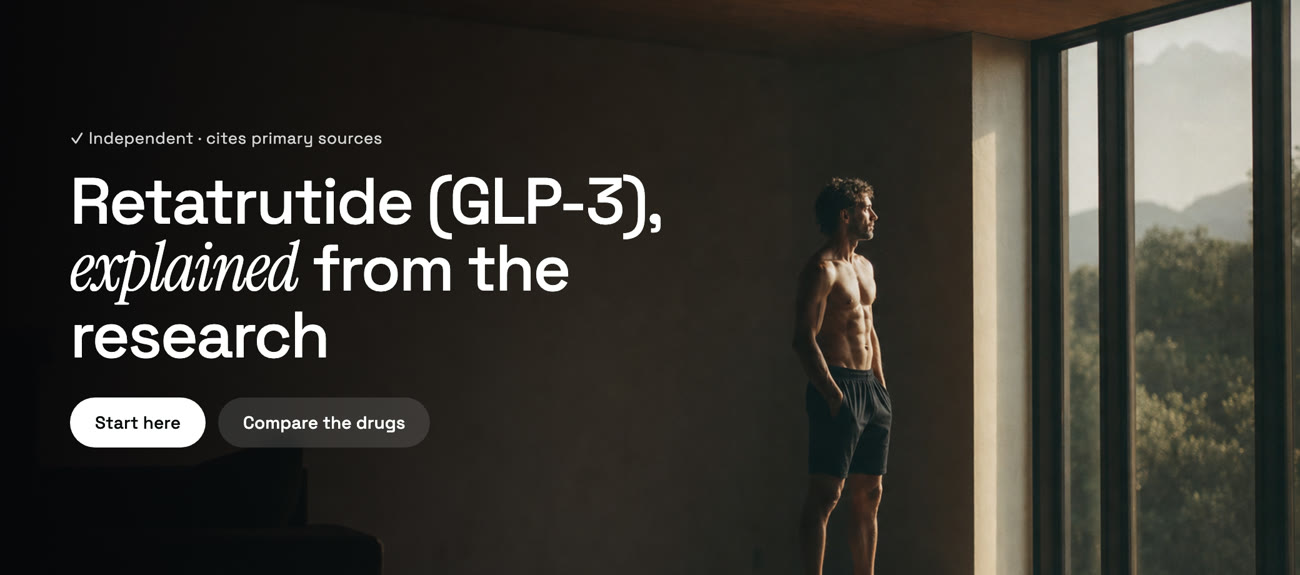
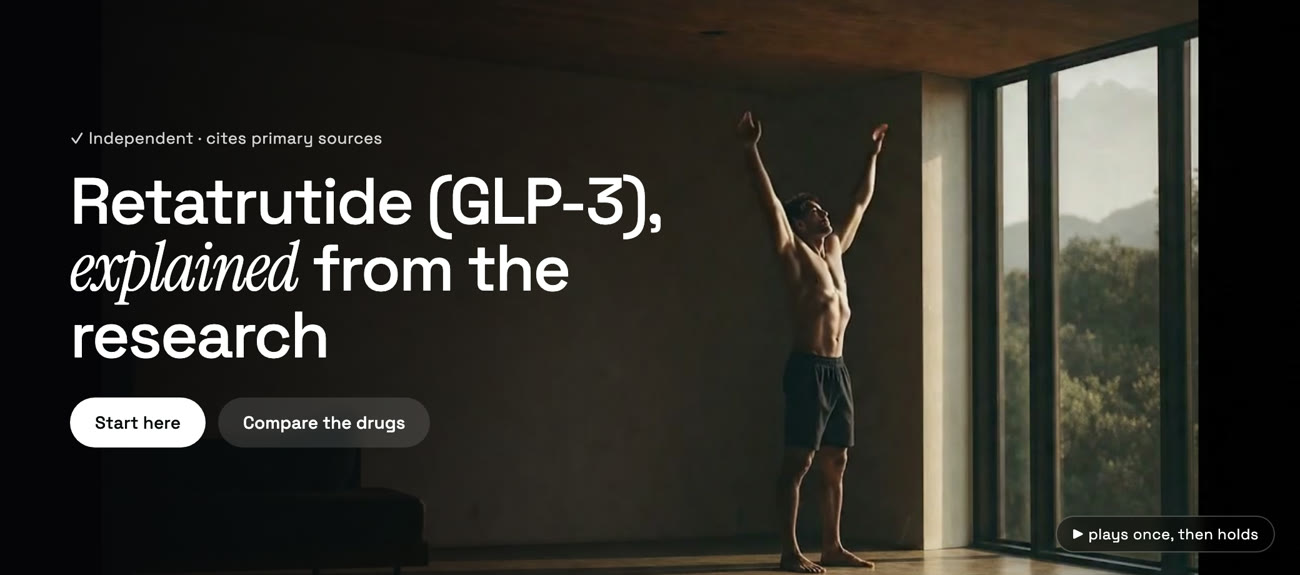
Watercolour, to photograph, to alive. The headline never changes; only the image does. The last version cost eighty cents, and it's the one that made the page stop looking like a brochure.
glp3.wiki started in soft pastel washes — Nanobanana, Gemini's image model, doing a Helen-Frankenthaler soak-stain thing on warm cream paper. I still like it. But a watercolour is decoration: it sets a mood and says nothing. For a page whose whole pitch is "the research, explained," I wanted a hero that read as real — a real room, real light, a real person.
That's what GPT Image 2 gave me. One prompt — a lone figure in a quiet, light-filled room, shot-on-film, deep negative space for the headline — and the page went from illustrated to photographed. That's V2, and on its own it was already a hero I'd ship.
And that's the ceiling. A still, however good, is a frozen instant. You feel it the moment the page loads and nothing happens. The obvious next move is video — but I didn't want a new, unrelated clip. I wanted this frame, the one I'd already art-directed, to keep going.
That's the corner of this technology that actually works: image-to-video. You hand the model your still as the first frame, and it animates outward from it. Identity, framing, colour grade — all locked, because frame one is a picture you already approved. The model only has to invent motion.
Veo 3.1 takes the GPT Image still and moves it. Same frame on the left; on the right, it breathes.
Eighty cents of difference, and the page tips from "nice photo" to "alive." But getting there cleanly meant making three calls that mattered more than the model did.
Video bills by the second, so my first instinct was the frugal one: generate a short clip and loop it. Two seconds on repeat is a quarter the cost of an eight-second play-through, and a hero only needs to feel alive, not go anywhere. But a loop has to hide its seam — the jump where the last frame snaps back to the first — and a short clip makes the seam worse, not better, because you hit it that much more often. It read as a stutter, not a breath. Ping-pong (play forward, then backward) is seamless by construction and looks wrong the instant there's any direction in the shot: the motion visibly runs in reverse. Generating the clip so its last frame matches its first, plus a half-second crossfade, genuinely works — I built it.
Then I looked at superpower.com, whose aesthetic I was chasing, and noticed their hero doesn't loop at all. It plays once and freezes on the last frame. No second lap, no seam to hide. The whole seam problem was the wrong problem: the fix was deleting one HTML attribute. That's the version that shipped.
Getting one good clip out of Veo is easy. Getting the clip is not — and the gap between them is the whole cost of working in video. You render, you watch, something's off, you change the prompt, you render again. Every one of those passes is billed.
I'm not a video editor, and it shows. I can't always name what makes a shot read as alive instead of uncanny until it's in front of me, so I judge by eye, adjust one thing, and go again. That untrained taste is its own tax — the fewer passes you can call from instinct, the more you pay to find the answer by rendering. Veo bills a flat rate per second, so each pass is a known charge, and a dozen of them stops being pocket change.
| Veo 3.1 tier | Per sec (720p) | One 8s pass | A dozen passes |
|---|---|---|---|
| Standard | $0.40 | $3.20 | $38.40 |
| Fast | $0.10 | $0.80 | $9.60 |
| Lite | $0.05 | $0.40 | $4.80 |
A dozen passes is a normal number to land a hero you're fussy about. On Standard that's nearly forty dollars to arrive at one eight-second clip; on Fast, close to ten. The model didn't get more expensive — my indecision did. So the real lever isn't the model. It's never letting the expensive tier watch you make up your mind.
The fix is to stop iterating on the clip you ship. Push every pass you can onto a cheaper surface, and pay full freight only for the render that's actually the keeper. There's a ladder to it.
Start on Lite. It's a fifth of Standard, and for the question you're actually asking — does the camera move work, does the head turn read, does the light feel real — Lite is plenty. You're reading the motion, not grading the pixels.
Then stop rendering video for decisions that aren't about motion. Image-to-video locks frame one, so identity, framing, colour and composition are all settled on the still — and the still is a free GPT Image 2 generation against my ChatGPT plan, zero dollars a shot. You don't even need to watch a clip loop to judge it: pull a few frames out of one twenty-cent Lite render and read them flat. Frames are free to look at, and they tell you almost everything.

Then finalise once. When a take is the take, re-run that exact prompt on Fast or Standard for one full-quality render. Put numbers on the same dozen-pass hero: composition on stills costs nothing, four Lite motion checks run $1.60, and the keeper render on Fast is 80¢. Call it $2.40 — against $9.60 doing it blind on Fast, or close to forty dollars on Standard. Same clip. The whole saving is in not paying the good tier to do your thinking.
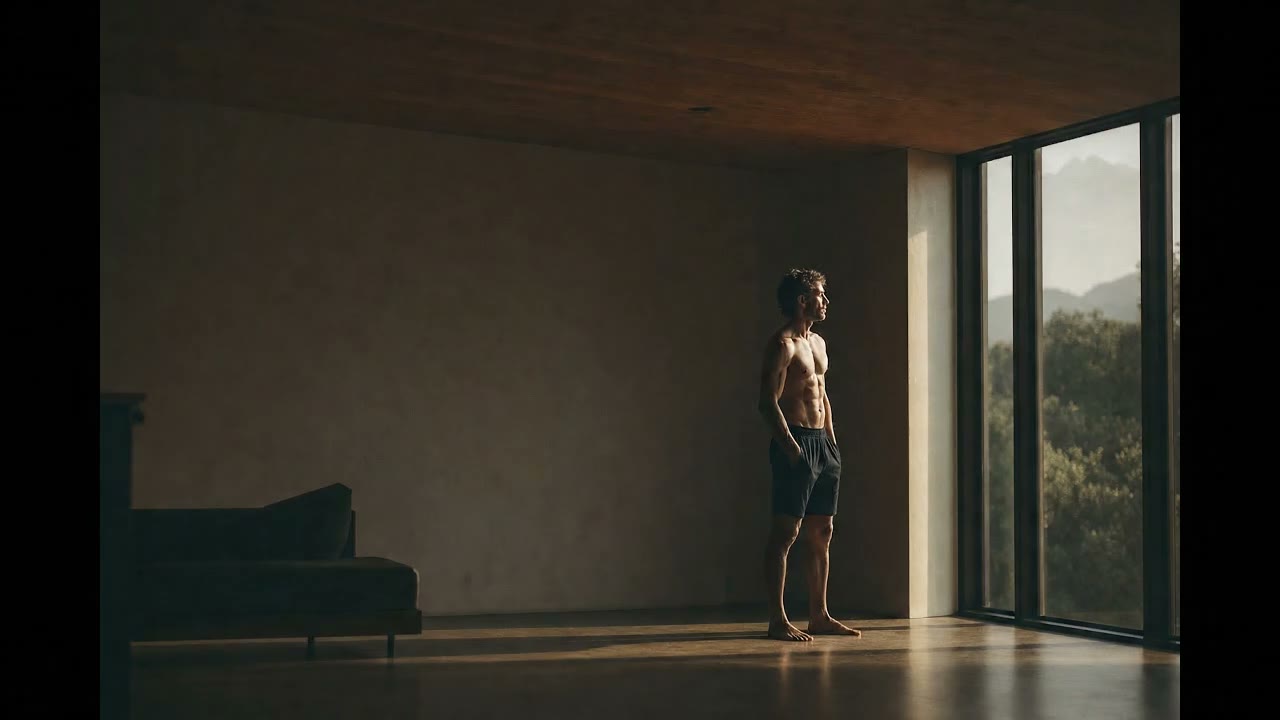
One catch on leaning this hard on Lite: its safety filter is stricter than Fast's. The glp3 audience skews fitness, so the obvious hero is a lean figure — and Lite rejected the exact prompt Fast had accepted, reading a shirtless subject as physique content. So Lite is the iteration tier for landscapes, objects, and clothed subjects — like the café clip those frames came from, animated for twenty cents and waved straight through — while a fit-subject hero has to iterate on Fast, where the floor is eighty.
Three models, each doing what it's best at: Nanobanana set the mood, GPT Image 2 made it real, Veo made it move. The hero ships on the glp3.wiki rebrand — a still I generated, animated for eighty cents, playing once and settling into a frame that holds. And it all folded into a Claude Code skill, veo-video-gen, that quotes the cost up front, defaults to play-once, and warns me when my wording is about to trip the filter.
None of it was a model breakthrough. It was knowing which model to reach for at each step, that the loop was the wrong instinct, and that the way to keep a video model cheap is to do all the deciding where it's free — on stills — and only pay for the one render that ships. The leverage, again, wasn't the AI. It was the judgment about how to use it.
The render that shipped was eighty cents — an 8-second clip at 720p on Veo 3.1 Fast, which bills $0.10 a second. It stays that cheap because the iteration is free: every composition call is settled on GPT Image 2 stills before any video runs (image-to-video locks frame one), and the still is generated against my ChatGPT plan at $0 a shot. Only the final motion render touches the meter.
The iteration, not the render. Slow renders don't cost you — the agent makes them in the background. The safety filter doesn't cost you — it doesn't charge for refusals. What adds up is that you rarely nail the motion first try, and every pass is billed: a dozen 8-second passes run about $38 on Standard, $9.60 on Fast, $4.80 on Lite. So I iterate on the cheap surface — free GPT Image 2 stills, then frames pulled from a 20¢ Lite render — and only pay full price for the keeper. That same hero lands near $2.40 instead of $9.60.
Each is best at a different job. Nanobanana (Gemini) does soft, painterly imagery cheaply. GPT Image 2 does the most convincing photoreal stills I've used. Veo 3.1 does reliable image-to-video. I'm not loyal to a vendor — I reach for whichever model wins the specific step.
A hero loop has to hide its seam. Ping-pong runs the motion backwards, which looks wrong; matching the first and last frame with a crossfade works but is fiddly. superpower.com just plays its hero once and freezes on the last frame — no seam to hide. The cheapest fix was deleting the loop.
For clothed, ordinary subjects, yes — I animated one for 20 cents. But Lite's safety filter rejects physique and shirtless content that Fast accepts, so for a fit-subject hero Fast is the floor. The savings only hold for landscapes, objects, or fully-clothed figures.